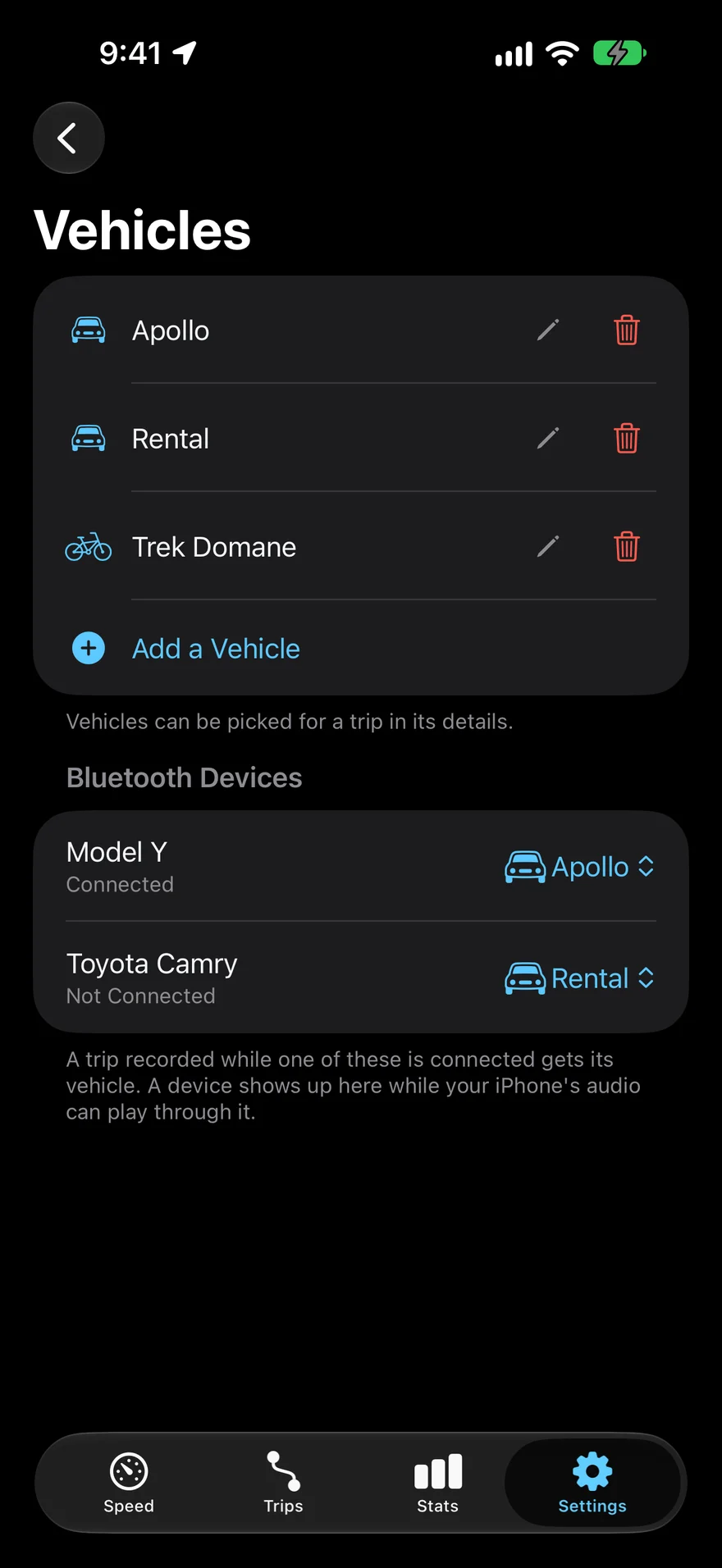
Live Activity
Speed and trip progress in the Dynamic Island and on the Lock Screen, with Pause and Stop right there.
 Arc
Speedometer & Trip Logger
Arc turns your iPhone into a beautiful speedometer, and saves every trip as a route, stats, and a replay worth revisiting.
Focus
Tap the speedometer and everything else steps aside. Turn your iPhone sideways and the gauge fills the screen.
Speed
Trips
PROView trips older than 7 days with Arc Pro.
Stats
PROView stats older than 7 days with Arc Pro.
Settings
ChronoPRO
Time 0–60, 0–100, the quarter mile, and 60–0 braking, straight from GPS. Every run is saved with its trip.
For closed-course use only. Obey all traffic laws and never time runs on public roads. Times come from GPS and may differ from other timing equipment.
And Everything Around It
Arc records car trips, bike rides, and flights alike. A few more things it does:
Speed and trip progress in the Dynamic Island and on the Lock Screen, with Pause and Stop right there.
Your speed on your wrist, trips started from the Watch, and complications for the watch face.
Today's distance, this week at a glance, your last trip on a map, and your all-time top speed.
A mirrored speedometer that reflects onto your windshield at night.
No account and no tracking. Your trips stay on your iPhone and in your own iCloud.
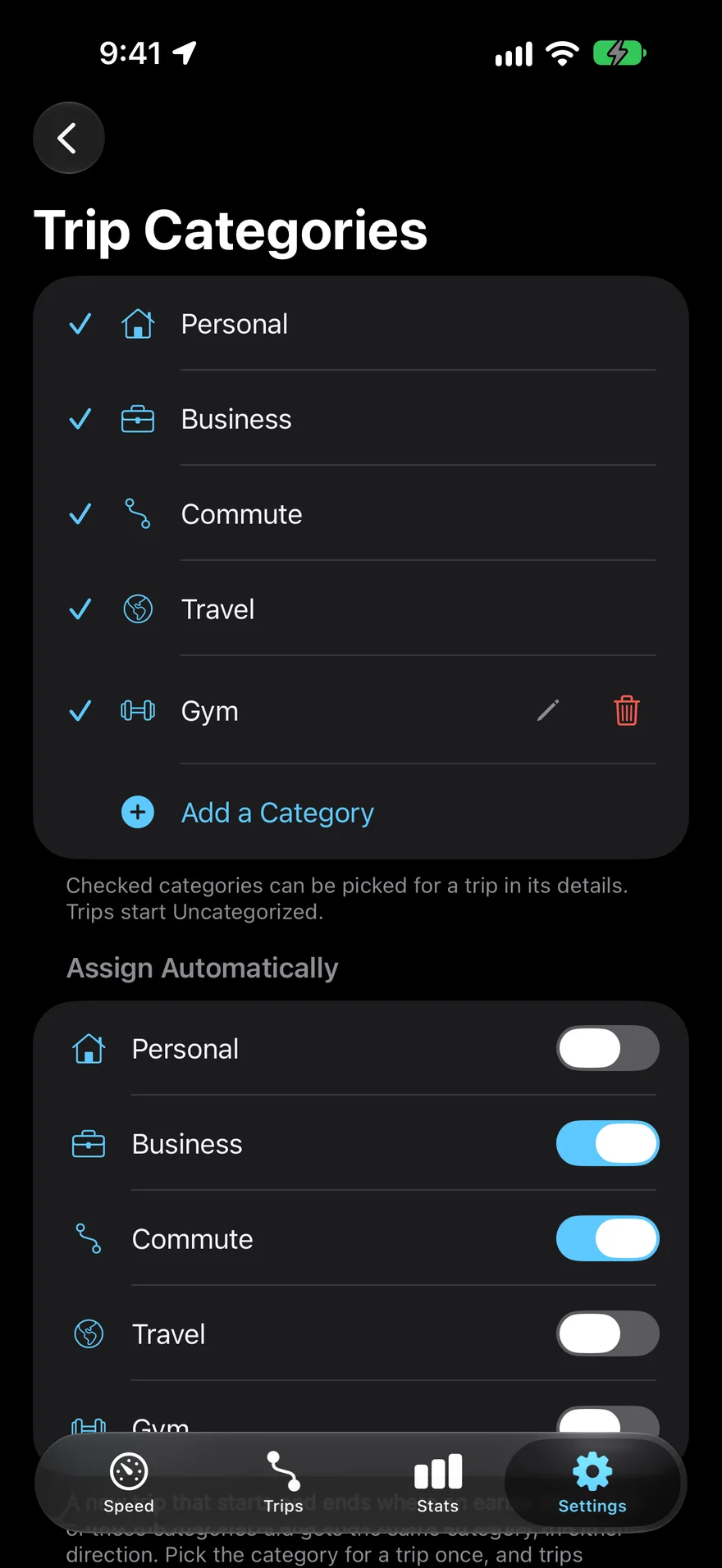
Business trips tag themselves. See the year's business miles in Stats, and export trips as CSV or GPX for your records.
Arc Pro
The speedometer and the trip log are free. Arc keeps recording either way, so when you upgrade, your whole history is already there.
FAQ
With Location set to Always and Motion & Fitness on, Arc notices when you start moving and records the trip on its own, then saves it when you stop. You can also start and stop trips yourself from the Speed tab, the Live Activity, the Watch, or Shortcuts.
Arc reads your speed from GPS, which is very accurate under open sky. Car speedometers often read a little high, so Arc may show a slightly lower number. Tunnels, tall buildings, and a weak signal make any GPS less accurate, and Arc tells you when the signal is weak.
No. There's no sign-up. Your trips are stored on your iPhone and, if you use iCloud, synced through your own private iCloud account.
They're kept. Arc records and saves every trip whether or not you have Arc Pro. Without it, Trips and Stats show the last 7 days; upgrading opens everything, including trips from before you upgraded.
Yes. Tag a trip as Business once, and turn on Assign Automatically for Business in Settings › Trips › Trip Categories. New trips between the same places are tagged Business on their own. Stats can then show only Business trips for any period, and you can export trips as CSV.
GPS uses power whenever it's on. Arc keeps location use light between trips, and Settings lets you choose how automatic recording should be.
Yes. Arc records any trip: car, bike, train, or plane. Add your own categories and vehicles to keep them apart.
Set Arc up before you leave, and keep your eyes on the road. Arc works on its own, so there's nothing to tap while you're moving. Follow local laws about phone use and mounting.